"Wireless" on an alarm box can mean two different things, and mixing them up is how people end up with a system that goes silent in an outage. This guide separates how sensors talk to the hub from how the hub reaches the outside world, then covers range, batteries, jamming and what to check before you buy. It is part of our complete guide to home security alarm systems.
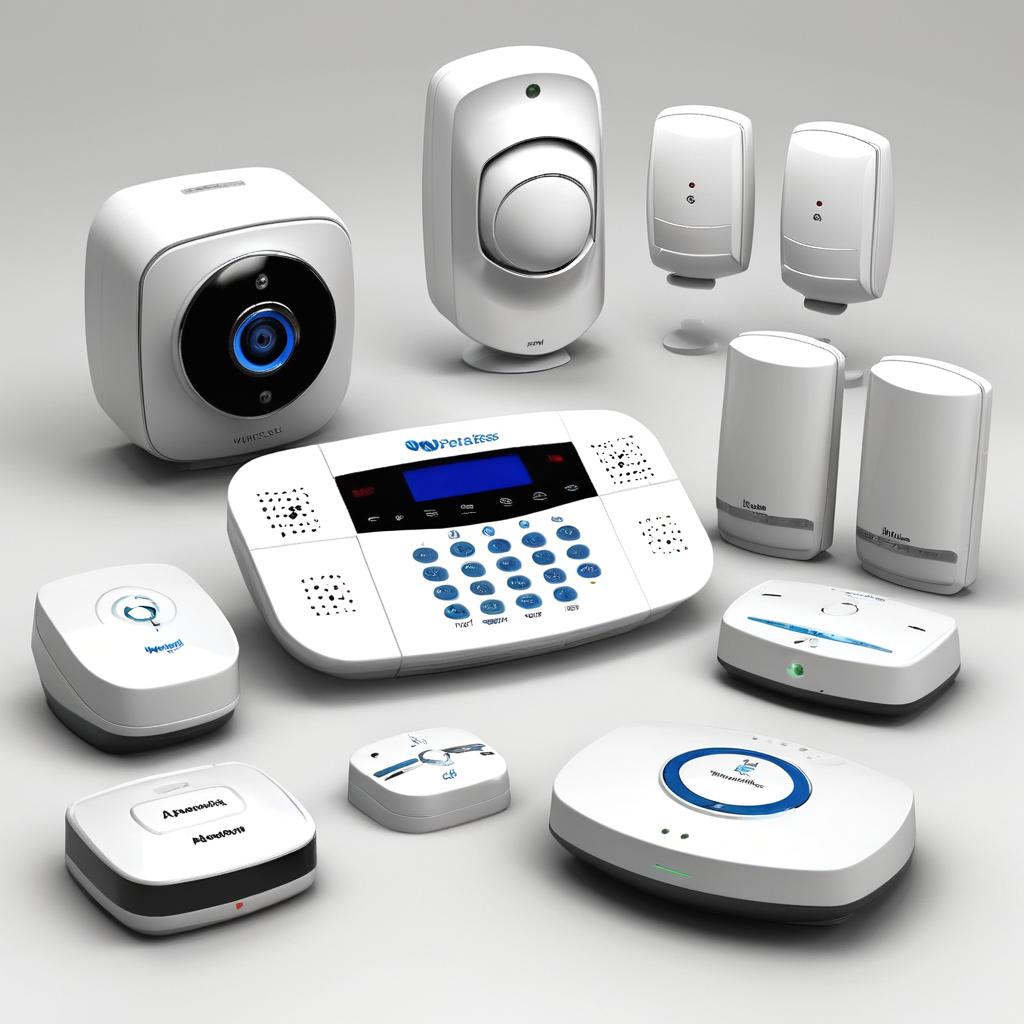
Two meanings of "wireless"
BestReviews explains that wireless usually describes how sensors communicate with the hub inside your home, while cellular describes how the hub sends emergency alerts outside it. Alarm retailer Frontpoint adds that a 100 percent wireless system also reaches the monitoring station over a cellular network, which replaces the old landline connection.
Wi-Fi, cellular or both
| Connection | Strength | Weakness |
|---|---|---|
| Wi-Fi (internet) | Fast and good for app features | Fails if the router or broadband fails, and a signal can be jammed |
| Cellular | Does not depend on your router; Alarm Grid calls it the more dependable of the two | Usually needs a paid plan |
| Dual-path (both) | Uses Wi-Fi by default and cellular if Wi-Fi fails | Costs more |
Choose a system with cellular backup. Brinks Home and Permar Security both recommend it, because cellular keeps working when power or Wi-Fi is down, as long as the panel has a battery.
Can a wireless alarm be jammed?
Wi-Fi and radio jammers exist. A Permar Security article says a jammer could hinder video notifications from Wi-Fi cameras or doorbells, while a system that relies on cellular communications keeps its core alarm functions. Other guides list the same fixes: cellular or LTE backup, local storage, jamming detection and updated firmware. The risk is real but small for most homes; the answer is cellular backup, not avoiding wireless.
Range, batteries and power
- Range. Frontpoint uses 100 feet as a comfortable guideline between a sensor and the panel, which is far more than most Wi-Fi networks reach. Walls and metal shorten it.
- Sensor batteries. Review sites report one to two years for typical sensor batteries. Replace them when the app warns you.
- Panel backup battery. Review sites report anywhere from several hours to about 24 hours depending on the model, so check the specification.
- Router security. BestReviews notes that Wi-Fi systems depend more on your home network, so secure the router. See smart home security.
Wireless vs wired
| Wireless | Wired | |
|---|---|---|
| Installation | Quick and DIY-friendly; see our setup guide | Cabling and often a professional |
| Moving | Take it with you; suits renters, see renters | Stays in the house |
| Reliability | Good; depends on batteries and radio conditions | Very stable |
| Cost | Lower to start | Higher to install |
What to check before buying
- Cellular backup and a panel battery.
- Whether monitoring is professional or self; see professional monitoring.
- Pet-friendly motion sensors if you have animals; see pet-friendly systems.
- The sensors you need; see sensors explained.
- Total cost over three years; see companies compared.
Wireless alarm checklist
- Cellular or dual-path communication.
- A panel backup battery and a note of its runtime.
- Sensors within about 100 feet of the panel.
- Router password and firmware kept current.
- Monthly test of sensors and siren.
Frequently asked questions
Do wireless alarms work during a power cut?
They do if the panel has a battery. Without cellular backup, your internet may still be down.
Are wireless alarms easy to hack?
Wi-Fi systems depend on router security. Use strong passwords and updated firmware, and choose cellular backup.
How long do sensor batteries last?
Often one to two years, according to review sites. Check each maker's specification.
Sources
- BestReviews, cellular vs wireless home security systems
- Frontpoint, how wireless burglar alarm systems work
- Frontpoint, wireless sensor range
- Alarm Grid, how do I design my own security system
- Permar Security, Wi-Fi jammers and security systems
- Brinks Home, why wireless systems are reliable
- AutomateLife, what homeowners should know about Wi-Fi jamming
Comments
Post a Comment